

“Marketing plugin” covers a lot of ground for WooCommerce, email capture, abandoned cart recovery, wholesale pricing, product search, full CRM integration, and the sheer breadth of that category is exactly why a generic top-five list can mislead more than it helps if it’s read as a ranking rather than a map of distinct problems. The five below aren’t really competing with each other; they solve different problems, so this is less “pick one” and more “figure out which gap you actually have.” A store bleeding sales to a weak internal search box needs a completely different fix than one that’s fine on discoverability but losing carts at checkout, and treating this list as a ranked top-five misses that the right answer usually involves picking two or three of these for different jobs, not one winner. Diagnose the actual leak first, then match the tool to it, rather than working backward from a plugin’s marketing page.

1. Wholesale Suite, for B2B and bulk pricing
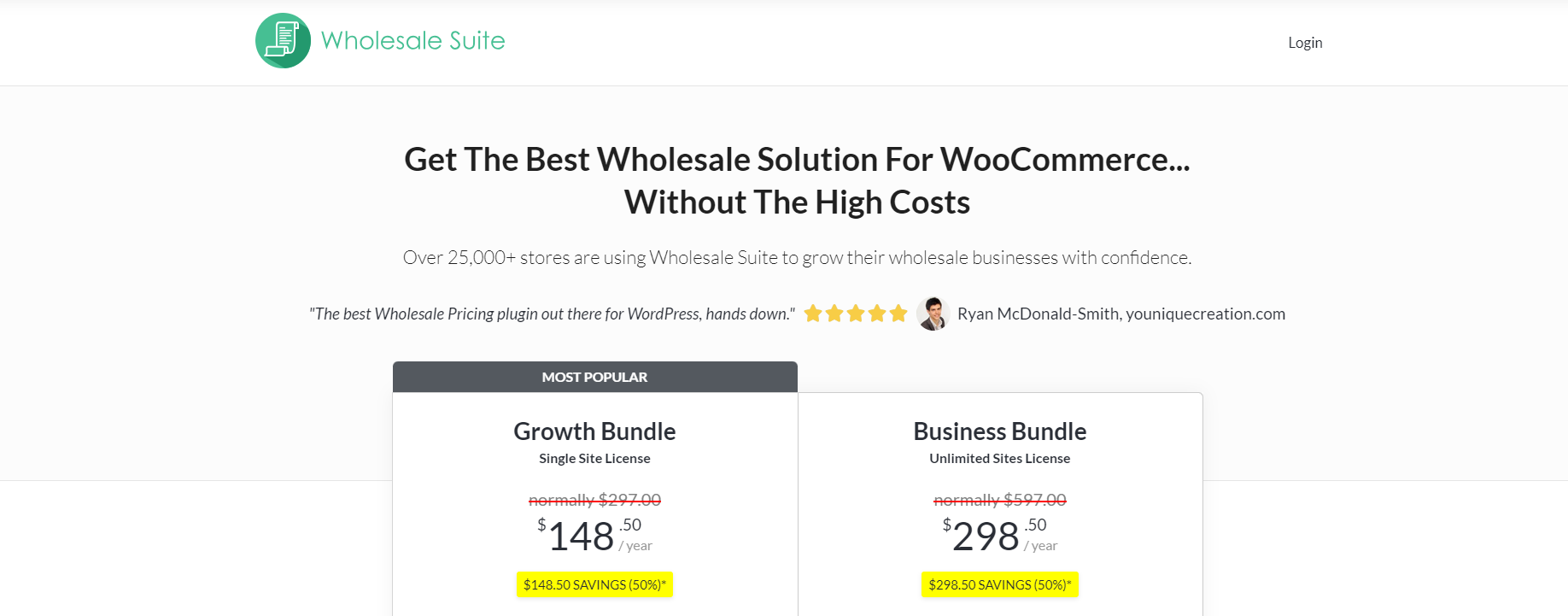
If part of your business sells to other businesses, retrofitting a consumer storefront for wholesale pricing is a genuine pain. Wholesale Suite handles the tier pricing, bulk discounts, and separate B2B checkout flow without you having to build any of it by hand. Still actively sold, with 25,000+ stores using it.
Cost: All-access bundle currently $299/year introductory (renews at $598/year); individual plugins priced separately if you don’t need the full bundle.
The separate registration flow for wholesale customers is worth understanding before setup, Wholesale Suite typically gates wholesale pricing behind a distinct account role, so a business customer applies for and gets approved into wholesale status rather than everyone seeing bulk pricing automatically. That gate matters for margin protection, without it, a competitor or a savvy retail customer could find and exploit wholesale pricing that was never meant for them. Budget time during setup to define your approval criteria and write the application-review process into an actual workflow, rather than leaving wholesale account requests sitting unreviewed in an inbox.
2. WPForms, for lead capture and data collection
Not a WooCommerce-specific tool, but it’s what you’d reach for to build email signup forms, surveys, or order forms that feed customer data into your marketing stack. The WooCommerce-specific value is in the addons, payment integrations and email automation hooks, rather than the form builder itself.
Cost: $49.50/year (Basic, 1 site) up to $299.50/year (Elite, unlimited), introductory pricing, doubles on renewal.
Where WPForms earns a spot on a marketing-tools list specifically, rather than just being a generic contact-form plugin, is the conditional logic and entry-based automation. A post-purchase survey that only appears to customers who bought a specific product category, or a lead form that routes differently depending on how someone answers a qualifying question, both build on WPForms’ conditional logic without needing custom development. For a WooCommerce store, that translates into things like a targeted product-feedback survey triggered after a specific order type completes, feeding data straight into whichever email or CRM tool you’re already using through the plugin’s native integrations.
3. OptinMonster, for pop-ups and lead capture
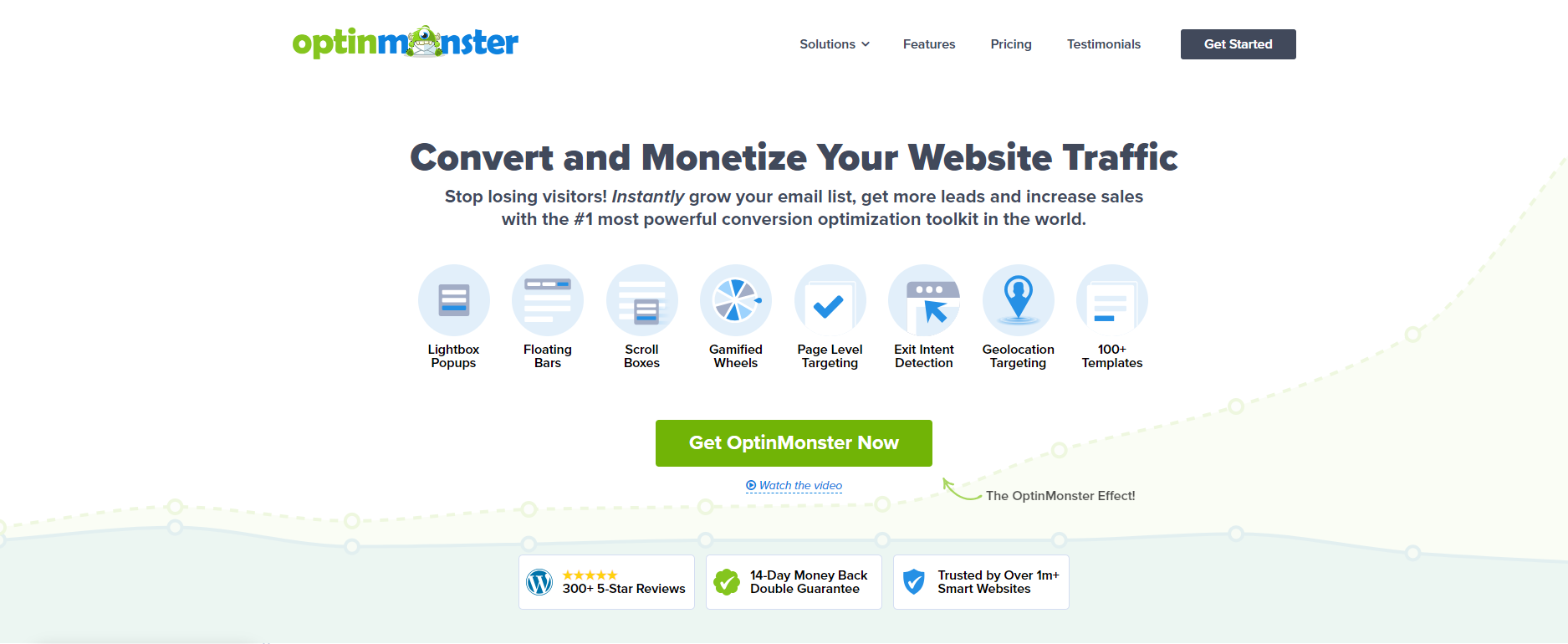
Pop-ups, slide-ins, and floating bars, targeted and segmented so different visitors see different offers. This is the plugin for exit-intent cart-abandonment prompts and email-capture campaigns specifically, rather than a general marketing suite.
Cost: $7/month (Basic) up to $49/month (Growth), billed annually, introductory rate.
The exit-intent detection deserves a specific callout for WooCommerce stores, since it’s tracking cursor movement toward the browser’s close or back button and firing a targeted offer right at that moment, a discount code, a reminder of what’s in the cart, before the visitor actually leaves. That’s a meaningfully different intervention point than a generic time-delayed pop-up shown to everyone regardless of behavior, and it tends to convert better precisely because it’s responding to a specific signal (someone about to abandon) rather than interrupting browsing arbitrarily. Worth pairing exit-intent specifically with cart-page targeting, rather than showing it site-wide, so the offer that appears is contextually tied to what’s actually in the cart.
4. SearchWP, for product discoverability
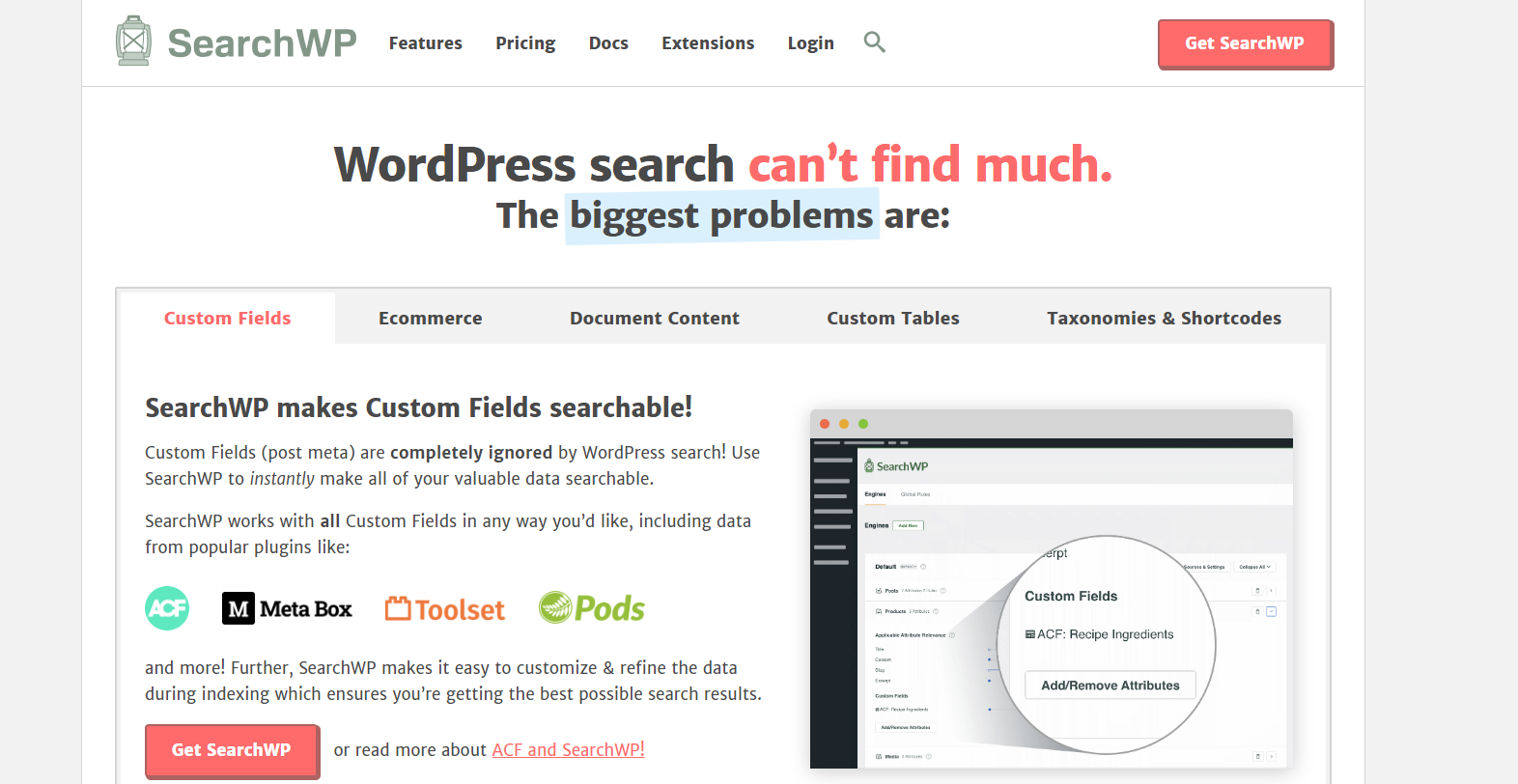
An indirect marketing tool, but a real one: WooCommerce’s built-in search is weak, and customers who can’t find a product they’d have bought don’t buy it. SearchWP adds keyword stemming, synonym matching, and result prioritization so search actually surfaces relevant products.
Cost: $99/year (Standard) up to $399/year (All Access), introductory pricing.
It’s worth explaining why weak search actually costs sales rather than just being a minor annoyance, WooCommerce’s native search does a basic text match against product titles and descriptions with no relevance ranking, so a customer searching “blue running shoe” against a product literally titled “Men’s Trail Runner - Navy” gets nothing back, even though it’s exactly what they wanted. That’s a lost sale that never shows up in your analytics as a lost sale, it just looks like a visit that didn’t convert, with no obvious reason why. SearchWP’s synonym and stemming support closes exactly that gap, and on a store with a large or specialized catalog, it’s frequently the highest-ROI item on this entire list relative to its cost, since it’s recovering sales that were already nearly closed rather than trying to generate net-new interest.
5. HubSpot, for full CRM-driven marketing
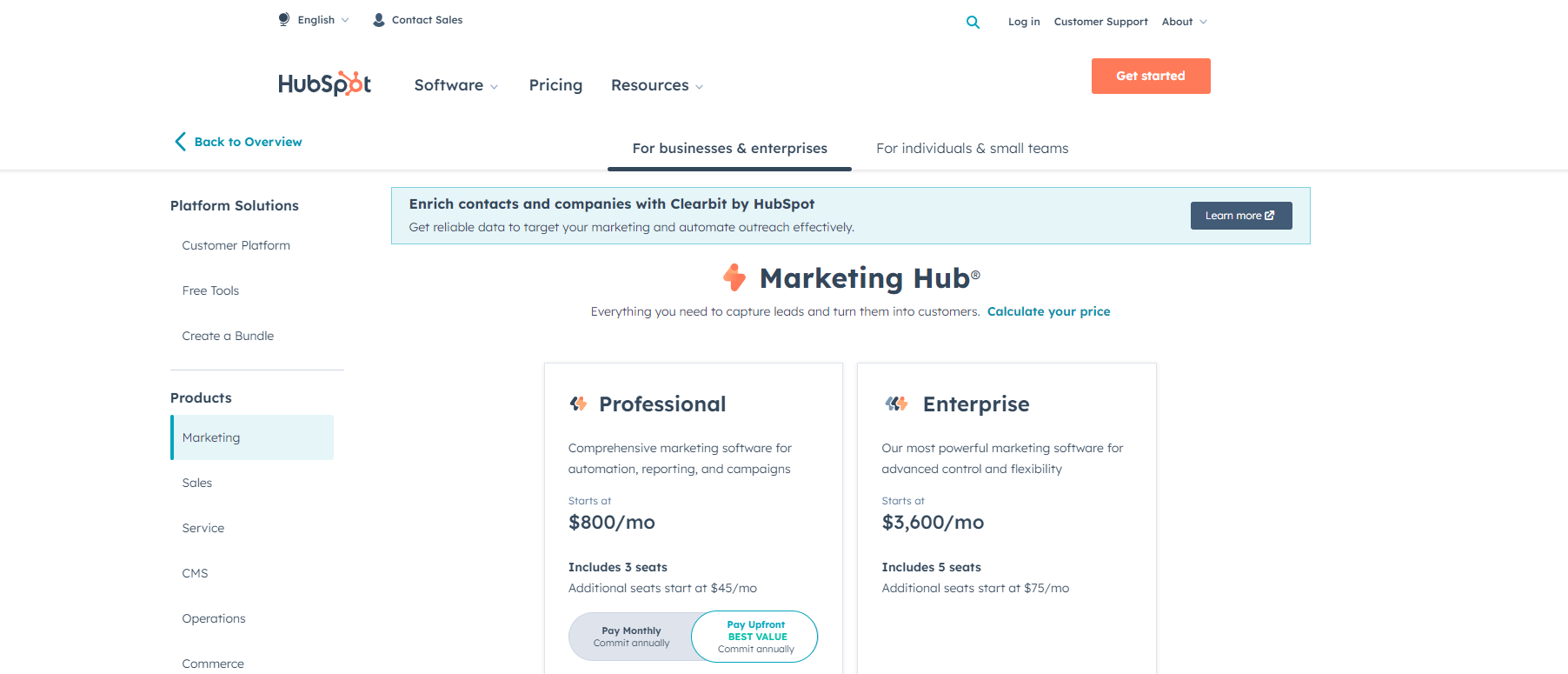
This is a different scale of tool entirely, a full CRM and marketing automation platform that syncs with WooCommerce customer data for abandoned cart recovery, segmented email campaigns, and workflow automation. Worth it if you need CRM-level marketing infrastructure; overkill if you just need better forms or pop-ups.
Cost: Marketing Hub Professional starts at $800/month; Enterprise starts at $3,600/month. Both require an annual commitment and a separate onboarding fee.
At that price point, HubSpot only makes sense once the marginal value of unified customer data (every purchase, every email open, every support ticket, in one contact record) genuinely exceeds what a cheaper, more focused stack of tools delivers separately. That’s usually a question of scale and complexity rather than raw store revenue, a smaller store with a simple, single product line rarely needs it even at healthy revenue, while a store juggling multiple product lines, a sales team doing outbound alongside the storefront, and a genuinely complex customer journey can justify the cost even at a more modest size. Worth running the free tier or a trial against your actual data before committing to the annual contract, since the value only shows up once real customer data starts flowing through the automations.
Budgeting realistically across a marketing stack
Looking at the price ranges above together, a store could reasonably spend anywhere from under $200/year (SearchWP alone) to well over $10,000/year (HubSpot Enterprise) depending on which combination fits. The right way to approach this isn’t picking a budget ceiling and filling it with tools, it’s identifying the specific, measurable gap first, weak search, no lead capture, no wholesale channel, cart abandonment left unaddressed, and matching spend to whichever gap is actually costing you the most revenue right now. A store spending on HubSpot’s Enterprise tier while running WooCommerce’s default, unimproved search box has its priorities backwards, the cheap fix (SearchWP) is very likely leaving more money on the table unaddressed than the expensive platform is currently capturing.
Introductory pricing is worth flagging as its own line item in this budgeting exercise, several of the tools above (WPForms, OptinMonster, SearchWP) show a lower first-year price that increases meaningfully on renewal. Model the renewal price, not the introductory one, when deciding whether a tool fits your ongoing budget, a plugin that looks affordable at $49.50 in year one but jumps to a higher renewal rate can quietly become a tool you’re paying for out of inertia rather than deliberate ongoing value if you haven’t planned for that increase.
A/B testing before committing to a specific offer
Most of these tools, OptinMonster especially, support split testing different versions of a pop-up or form directly within the platform, worth using rather than guessing which headline, offer, or design converts better. Running two variants of an exit-intent offer, a flat discount versus free shipping, for a couple of weeks against real traffic gives you an actual answer specific to your audience, rather than assuming whatever worked for a different store’s case study will translate directly to yours, and it’s a discipline worth applying to email subject lines and pop-up headlines too, not just the headline offer itself. Store audiences vary enough in what they respond to that a genuinely data-backed test beats an assumption borrowed from someone else’s results, even a credible one.
Stacking these without conflicts
Running more than one of these at once is common and usually fine, but a couple of combinations are worth setting up deliberately rather than just activating everything and hoping it works. OptinMonster and WPForms both handle form submissions, and if you’re capturing the same lead through both (an exit-intent email capture via OptinMonster and a separate newsletter signup via WPForms), make sure they’re feeding into the same email list or CRM rather than creating duplicate, unsynced subscriber records in two different places. Most of these tools support Zapier or a native integration specifically to avoid that kind of fragmentation, worth setting up during initial configuration rather than discovering the duplication months later when you’re trying to reconcile subscriber counts.
SearchWP and a page caching plugin can also interact in ways worth testing, since SearchWP’s relevance index needs to reflect current product data, and an aggressive cache that serves stale search results pages can make it look like SearchWP isn’t working when it’s actually the cache serving outdated results, a diagnosis mix-up that wastes real time chasing a plugin bug that was never there. Confirm your caching plugin’s exclusion rules cover search result pages, or that cache invalidation triggers correctly when product data changes, rather than assuming the two coexist automatically.
Measuring whether any of this is actually working
It’s worth deciding upfront what success looks like for each tool before installing it, rather than installing broadly and hoping results are self-evident later. Wholesale Suite’s success metric is straightforward, wholesale order volume and average wholesale order value, tracked separately from retail, alongside the approval-to-first-order rate for new wholesale applicants, since a wholesale program that approves accounts but sees few of them ever place a first order has a friction problem somewhere in onboarding worth investigating. OptinMonster and WPForms both need conversion rate tracked specifically (percentage of visitors who see the form or pop-up and actually submit), not just raw submission counts, since raw counts don’t tell you whether the placement and offer are actually working or just accumulating submissions from a high-traffic page regardless of relevance. SearchWP’s clearest signal is the zero-result search rate before and after installation, a direct measure of how often customers were searching for something the old search couldn’t find, and HubSpot needs a genuine cost-per-acquisition comparison against whatever stack it’s replacing, not just a qualitative sense that “the dashboard looks more organized now.” None of these numbers matter in isolation, they matter compared against a baseline measured before the tool went live, which means the discipline of recording that baseline before installing anything is worth building into the rollout plan rather than treating measurement as an afterthought once the tool’s already running.
A common mistake: pop-up fatigue and mobile intrusiveness
Pop-up and slide-in tools like OptinMonster are genuinely effective when used deliberately, and genuinely damaging when overused. A visitor hit with an email capture pop-up, then a discount offer, then an exit-intent prompt, all within the same short browsing session, learns to distrust and immediately dismiss anything that appears, which trains away the exact behavior you were trying to encourage. Limit yourself to one primary capture mechanism per session rather than layering several, and use frequency capping (most tools support this natively) so a visitor who’s already dismissed an offer isn’t shown it again on their next visit within some reasonable window.
Mobile deserves separate, explicit attention here, not an assumption that desktop settings translate cleanly. Google has penalized intrusive interstitials on mobile search results for years now, a full-screen pop-up that’s difficult to dismiss on a small screen can genuinely hurt your search rankings, not just annoy visitors. Configure mobile-specific display rules, a smaller, less intrusive format, a delay before showing, an easy-to-tap close button, rather than assuming the same pop-up design that works on desktop translates directly to a phone screen without friction.
Consent and data collection, worth handling correctly from the start
Every tool on this list that captures an email address or tracks visitor behavior touches privacy regulation territory, GDPR if you have EU visitors, CCPA if you have California ones, and increasingly similar rules in other jurisdictions. A pop-up collecting an email needs clear consent language, not a pre-checked box, and needs to actually honor an unsubscribe or data-deletion request when one comes in, not just technically include an unsubscribe link that quietly doesn’t work. HubSpot handles this at the platform level fairly comprehensively given its scale, but the lighter tools, OptinMonster, WPForms, need this configured deliberately rather than assumed to be handled automatically. Worth a real review of each tool’s data handling settings against your actual privacy policy before launch, not after a customer complaint or a regulator’s attention forces the issue.
Discount-code overuse: a margin problem hiding inside a marketing win
Exit-intent and cart-abandonment tools like OptinMonster make it easy to offer a discount code as the recovery mechanism, and that’s genuinely effective at recovering an individual sale that was about to be lost. The trap is doing it so consistently that regular customers learn to abandon their cart deliberately, waiting for the discount pop-up to appear before completing a purchase they were always going to make anyway. That’s not incremental revenue, it’s margin given away on sales that would have happened regardless. Track how often the same customer triggers and redeems a recovery discount across multiple orders, if it’s a recurring pattern rather than a one-off rescue, that’s a signal to switch the recovery offer to something that doesn’t directly erode price, free shipping instead of a percentage off, or simply a reminder email with no discount attached at all, tested against the discount version to see whether the discount was actually necessary to recover the sale in the first place. It’s an easy thing to miss because each individual recovered cart genuinely looks like a win in isolation, the margin erosion only becomes visible once you’re looking at the pattern across a full customer segment over time.
Which one actually fits
If you sell wholesale, Wholesale Suite solves a problem nothing else on this list touches. If you need to capture leads or recover abandoned carts, OptinMonster or WPForms cover that at a fraction of HubSpot’s cost. SearchWP is worth adding regardless of what else you pick, since a weak search box quietly costs sales without ever showing up as a marketing metric. HubSpot only makes sense once your marketing operation has outgrown plugin-level tools entirely, and it’s worth being honest with yourself about whether that threshold has actually been crossed before committing to its price tag.
And however many of these you end up running, revisit the stack every few months rather than treating the initial setup as permanent. A store’s actual weak point shifts over time, search discoverability might be the priority this quarter and cart abandonment the next, and a marketing stack that keeps pace with where the real gap currently sits outperforms one that was configured once, correctly, for a version of the store that no longer quite matches where the business is today.
Also read: