

Visual content plays a crucial role in web design, and image sliders remain one of the most effective ways to showcase photos, promotions, or featured content. A well-designed slider can enhance user engagement and improve website aesthetics. Research shows that websites with visually compelling elements experience 94% more engagement than those with minimal visuals. If you’re using WordPress, selecting the right image slider plugin is essential to maintaining fast performance, responsiveness, and smooth animations. This list highlights the best WordPress image slider plugins, helping you find the perfect tool to create beautiful, high-performing sliders with ease.

Quick Links
Why Use WordPress Image Slider Plugins?
WordPress image slider plugins are essential for creating visually engaging websites that capture visitor attention instantly. Whether showcasing a portfolio, featuring products, or highlighting testimonials, sliders enhance the visual appeal and user experience. Studies show that users form an opinion about a website within 0.05 seconds, making a strong first impression crucial.
These plugins help reduce clutter, allowing you to present multiple images, promotions, or key messages in a compact space. They also improve user engagement by adding interactivity and movement, keeping visitors on your site longer. Additionally, many WordPress image slider plugins come with SEO-friendly features, ensuring images are optimized for speed and search visibility.
Modern sliders offer responsive designs, ensuring smooth performance on all devices, from desktops to mobile phones. With advanced customization options, animations, and integration with other tools, these plugins are a must-have for creating dynamic and professional websites.
Best WordPress Image Slider Plugins
1. Soliloquy
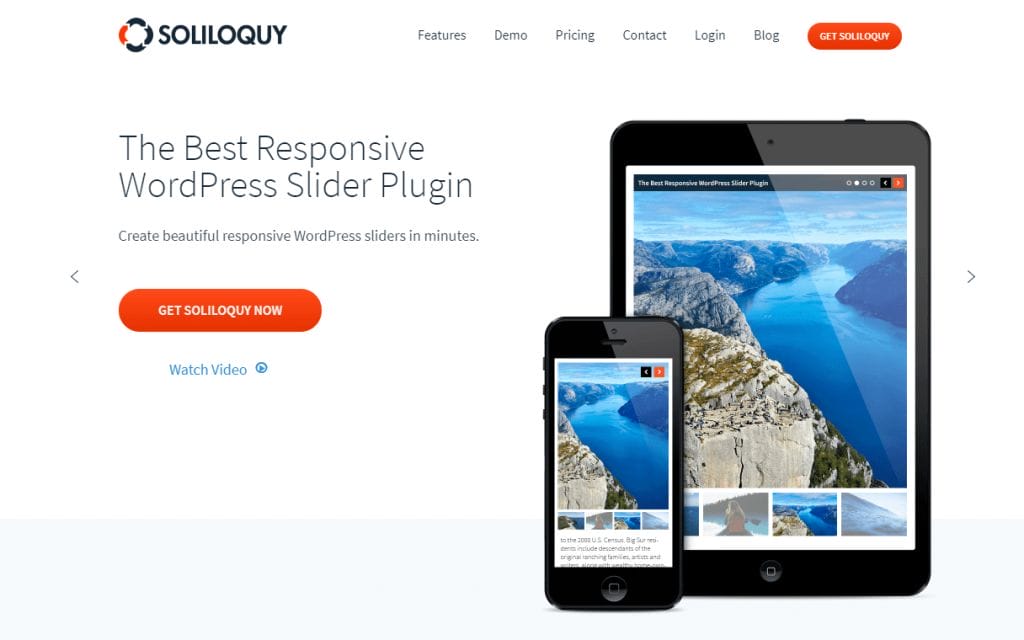
Soliloquy is a popular and responsive slider solution for WordPress Image Slider Plugins that offers more than ten slider types, including a carousel, featured content, lightbox, video, Instagram, Pinterest, PDF, WooCommerce, thumbnail, and more.
The lite version of Soliloquy can be used to create a standard image slider. Once you’ve uploaded some images, you can organize them using drag and drop. There’s an edit icon for each image, which loads up options to define the image title, alt text, caption, and URL. You can then insert your slider into your website using shortcodes, or into templates using PHP code.
In the slider options area, you can select one of two themes, define the size of slides and choose the transition speed between slides. Most other settings on the slider page are reserved for slider types that are only in the premium version of Soliloquy, so are restricted. The developer license at $99 increases support to 25 websites, but, more importantly, it includes all plugin features. This includes slider types, such as carousel, lightbox, featured content, WooCommerce, PDF, and thumbnails.
The agency license at $249 adds client management and support for WordPress multisite. It also gives support and updates for an unlimited number of websites.
Key Features:
- Responsive Solution
- Multiple Slider Types
- Multimedia Support
- Drag and Drop Organization
- Image Editing Options
- Easy Integration
- Theme Options
- Transition Speed Control
- Premium Features
- Developer License
- Agency License
- Client Management
- MultiSite Support
- Unlimited Websites
- Support and Updates
Also Read: Essential WordPress Plugins To Use On Your Website
2. Smart Slider 3

The plugin gives you access to a library of templates that can be used as a starting point for your slides. In this, you have access to 11 templates, but if you upgrade to the Pro version you’ll get access to more than 180.
You’re not limited to images when creating slides — videos, blog posts, and static overlays can all be added. Posts can also be inserted dynamically based on filters you define. For example, you can insert posts based on post format, tags, categories, and other variables.
The WordPress Image Slider Plugins configuration page in Smart Slider 3 is impressive. You’re given full control over every aspect of your slider — right down to styling elements, such as arrows, bullets, thumbnails, and more.
In addition to defining the size of your slides, you can adjust animations, alignment, and the way slides are loaded. Other cool features include touch support, image optimization, and background image support.
Key Features:
- Template Library
- Multimedia Support
- Dynamic Post Insertion
- Customization Control
- Styling Options
- Animation Control
- Alignment Options
- Loading Optimization
- Touch Support
- Image Optimization
- Background Support
3. MetaSlider

MetaSlider is a responsive WordPress slider plugin that’s compatible with the new WordPress Editor (Gutenberg). It also has touch support, has been optimized for search engines, and works with WordPress MultiSite and popular translation WordPress Image Slider Plugins.
The developers have been really generous with the free version of their plugin. You can display images in a flex slider, responsive slider, Nivo slider, and coin slider. The width of each slider can be defined too, and you can select from multiple transition effects. Images can be moved around using drag and drop, and you can easily add captions, alt text, and titles. The crop position of the image can be defined too, and the look of your slideshow can be adjusted using one of 14 available themes.
Once everything has been configured, you can insert the slider into your website using a shortcode or PHP code. You’ll be happy to hear that MetaSlider has a sensible pricing policy, with each license giving you the full version of the plugin. The only difference is how many websites are supported.
It’s $39 for a two-website license, $59 for five websites, $89 for 25 websites, and $149 for an unlimited number of websites. All licenses come with a money-back guarantee, as well as one year of support and updates.
Key Features:
- Responsive Design
- Gutenberg Compatibility
- Touch Support
- SEO Optimization
- MultiSite Compatibility
- Translation Support
- Multiple Slider Types
- Customizable Width
- Transition Effects
- Drag and Drop
- Caption and Alt Text
- Crop Positioning
- Theme Options
- Easy Integration
- Reasonable Pricing
- Money-Back Guarantee
- Support and Updates
4. Slider Revolution

Slider Revolution is one of the most powerful WordPress image slider plugins, offering advanced design capabilities beyond basic sliders. It allows users to create stunning image slideshows, hero sections, carousels, and even full website layouts without coding. With a drag-and-drop visual editor, users can customize animations, transitions, and layouts effortlessly.
This plugin includes 200+ pre-designed templates, making it easy to build professional sliders for any niche. It supports layer animations, parallax effects, and multimedia elements, ensuring high engagement. Additionally, SEO optimization, lazy loading, and responsive design guarantee fast-loading and mobile-friendly sliders.
Key Features:
- Drag-and-drop visual editor
- 200+ customizable templates
- Advanced animations and parallax effects
- Fully responsive and SEO-friendly
- Multimedia support (images, videos, and social media content)
- Lazy loading for improved performance
- Integration with WooCommerce and other plugins
5. Master Slider
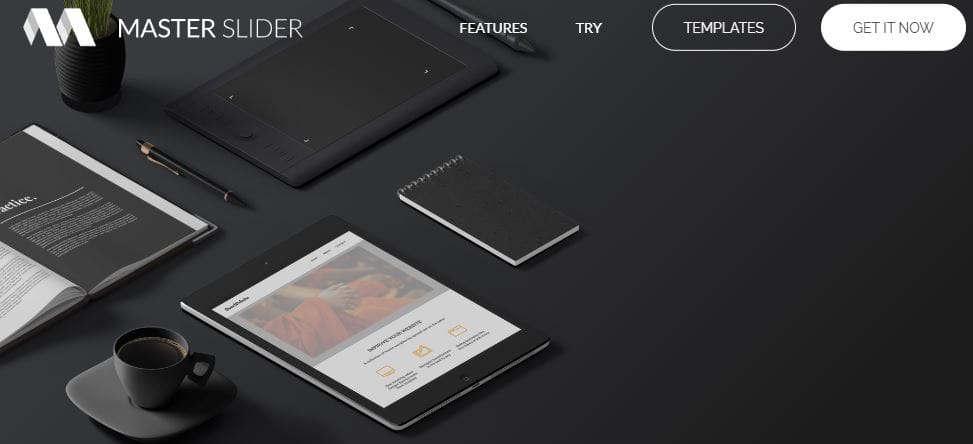
Master Slider is a versatile and responsive WordPress image slider plugin known for its smooth transition effects and touch-friendly navigation. It provides a drag-and-drop slider builder that simplifies the creation of stunning image slideshows, carousels, and interactive sliders. With built-in layer animations and parallax effects, it enhances visual appeal without compromising performance.
This plugin is fully responsive and optimized for mobile devices, ensuring a seamless experience across different screen sizes. It includes pre-built templates, allowing users to design professional sliders with minimal effort. Additionally, it supports deep linking, autoplay options, and video backgrounds, making it a great choice for interactive content.
Key Features:
- Drag-and-drop slider builder
- Touch-swipe navigation for mobile users
- Smooth CSS3 and JavaScript animations
- Parallax and layer effects for dynamic sliders
- Fully responsive and SEO-friendly
- Autoplay, loop, and deep-linking support
- Integration with WooCommerce and other plugins
Also Read: Secure Your Website With WordPress Salt Keys
6. Ultimate Responsive Image Slider
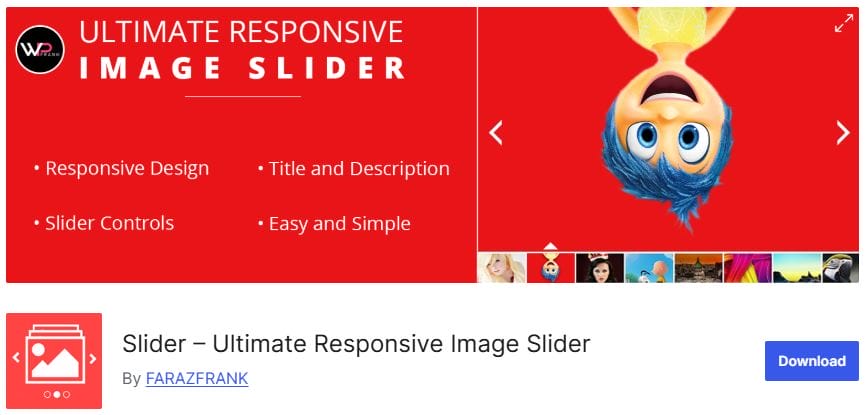
Ultimate Responsive Image Slider is a lightweight and user-friendly WordPress image slider plugin designed for creating fully responsive and mobile-friendly slideshows. It allows users to add unlimited images to a single slider and display them in a smooth, touch-enabled interface. The plugin is ideal for showcasing portfolios, galleries, and product images without slowing down the website.
With its easy-to-use settings panel, users can customize slide speed, pagination, and navigation styles. It also includes drag-and-drop image ordering for effortless management. The plugin is optimized for SEO, ensuring that image sliders contribute to site visibility.
Key Features:
- Fully responsive and mobile-friendly sliders
- Unlimited image uploads with drag-and-drop sorting
- Touch-swipe navigation for a smooth user experience
- Adjustable slide speed, autoplay, and pagination options
- Lightweight and optimized for fast performance
- Shortcode support for easy placement anywhere on the site

Final Thoughts: WordPress Image Slider Plugins
Choosing the right WordPress Image Slider Plugin depends on your specific needs, whether it’s speed, advanced design options, or user-friendliness. Some plugins are best for beginners looking for simple solutions, while others cater to professionals needing high customization and dynamic effects. With the right slider plugin, you can enhance your website’s visual appeal, improve engagement, and create a more immersive browsing experience.
Interesting Read:
What It Takes To Build An E-learning Website

