

Tables organize data, comparisons, and pricing in a format readers can scan quickly rather than parse from paragraphs. A visitor comparing three membership tiers or six product specs will bounce off a wall of text far faster than they’ll bounce off a clean table. WordPress doesn’t make this hard on its own, the block editor has a basic Table block, but a dedicated plugin adds sorting, filtering, responsive behavior, and import from CSV or Excel that the native block doesn’t attempt.

I’ve tested most of the plugins on this list on live sites, not just the demo pages. Some hold up under real content, thousands of rows, mobile traffic, page builder conflicts. Others look great in a screenshot and fall apart the moment a client tries to sort a five hundred row dataset on a phone. This list separates the two.
What to Look For
Functionality matters first: does it handle responsive layouts, sorting and filtering, and the actual data types you’re working with. Customization depth comes next, since a plugin that only offers three color options won’t match a custom theme. Compatibility with your specific theme and page builder deserves a real test on staging, not just a glance at the plugin’s compatibility claims. And genuine user reviews, the ones that mention specific bugs or support experiences, tell you more than polished marketing copy ever will.
Update frequency is worth checking too. A plugin that hasn’t shipped a release in three years isn’t necessarily dangerous, but it’s a signal the developer has moved on, and WordPress core, PHP versions, and browser rendering all keep shifting under a plugin’s feet whether the developer is still paying attention or not. One thing worth checking before you install anything: how the plugin handles mobile. A table with fifteen columns looks fine on a desktop monitor and becomes an unreadable horizontal scroll on a phone unless the plugin specifically addresses that. A few plugins on this list solve it well. A few don’t solve it at all.
Why the Native Table Block Falls Short
The block editor’s Table block does exactly one thing: it renders a static grid of cells. There’s no sorting a column by clicking its header, no filtering rows by a search box, no responsive stacking on small screens beyond whatever your theme’s default table CSS provides. For a three-row table listing your office hours, that’s fine. For a forty-row spec sheet or a pricing comparison someone actually wants to sort by price, it falls apart fast.
There’s also no import path. Every row in a native block table gets typed or pasted in manually, cell by cell. Update a price and you’re editing the post directly rather than uploading a new CSV. That’s manageable for a table that changes twice a year. It becomes a genuine chore for anything that updates weekly, which is exactly the gap these plugins fill.
A Quick Walkthrough: Getting TablePress Running
Since TablePress is the most common starting point, it’s worth walking through what setup actually looks like. Install and activate the plugin, then a new “TablePress” menu item appears in wp-admin. Click “Add New Table,” give it a name, and set the initial row and column count, you can always add more later. From there it’s a spreadsheet interface: click a cell, type, tab to the next one.
Once the table has data, TablePress generates a shortcode, something like [table id=1 /]. Drop that shortcode into any post or page and the table renders there. Enable sorting and pagination in the table’s options panel if the dataset is large enough to warrant it. The whole process, for someone who’s never touched the plugin before, takes under ten minutes for a basic table.
Common Table Plugin Mistakes
Overloading a single table with too many columns is the most common one. Twelve columns might make sense in a spreadsheet you’re staring at on a 27 inch monitor. On a phone screen it’s unreadable regardless of which plugin renders it. Cut the table down to the columns that actually matter for the decision the reader is trying to make, and consider a second, more detailed table further down the page for anyone who wants the full breakdown.
Skipping the staging test is another. Table plugins load their own JavaScript and CSS, and that can clash with page builder styles or theme typography in ways that only show up once real content is in the table. A five-minute test on staging catches this before a client or a site visitor does.
Leaving default styling untouched is a smaller mistake but a common one. Most of these plugins ship with a generic default theme that rarely matches your site’s actual design. A few minutes adjusting colors, borders, and header styling to match your brand makes the table look like part of the site instead of a bolted-on widget.
Frequently Asked Questions
Do I need a plugin for a simple table?
If the table has fewer than ten rows, never changes, and doesn’t need sorting or filtering, the native block editor Table block is genuinely fine. Reach for a plugin once you need CSV import, sorting, responsive stacking, or frequent updates.
Will a table plugin slow down my site?
Some weight is unavoidable, but the impact varies widely by plugin. Lighter options like TablePress and WP Table Builder add less than heavier feature-rich plugins like WP Data Tables. Loading assets only on pages with a table, rather than site-wide, keeps the impact minimal regardless of which plugin you choose.
Can I import an existing Excel spreadsheet?
Yes, most plugins on this list support CSV and Excel import, TablePress, WP Data Tables, and Data Tables Generator by Supsystic all handle it natively. Export your spreadsheet as a CSV first if the plugin doesn’t accept Excel’s native format directly.
Which plugin works best inside a page builder like Elementor?
Most of these plugins work via shortcode, which any page builder can embed. TablePress, Ninja Tables, and WP Data Tables all have dedicated Elementor widgets in addition to shortcode support, which tends to give a smoother editing experience than a raw shortcode block.
What’s the difference between a data table and a comparison table?
A data table displays raw information, rows and columns of facts meant to be sorted or filtered. A comparison table is built to persuade, typically comparing a small number of options side by side with highlighted differences. RioVizual and ARPrice are purpose-built for the comparison use case, while TablePress and WP Data Tables lean toward general data display.
11 WordPress Table Plugins
1. Posts Table Pro

Posts Table Pro (Barn2) turns existing WordPress content, posts, pages, custom post types, into searchable, sortable tables with AJAX filtering. This is the right tool when you already have content in WordPress and want a table view of it rather than building a separate dataset from scratch. Think a directory of team members pulled from a custom post type, or a searchable archive of case studies. Premium, active; check the vendor site for current pricing.
2. TablePress

TablePress is free, no-code, and the most widely used plugin in this category. CSV and Excel import-export, sorting, pagination, all handled through a spreadsheet-style editor that non-technical site owners pick up in minutes. Active, v3.3.3, updated within the last month. If you’ve never used a table plugin before, this is the one to start with. Nothing here requires a developer.
3. WP Data Tables (wpDataTables)
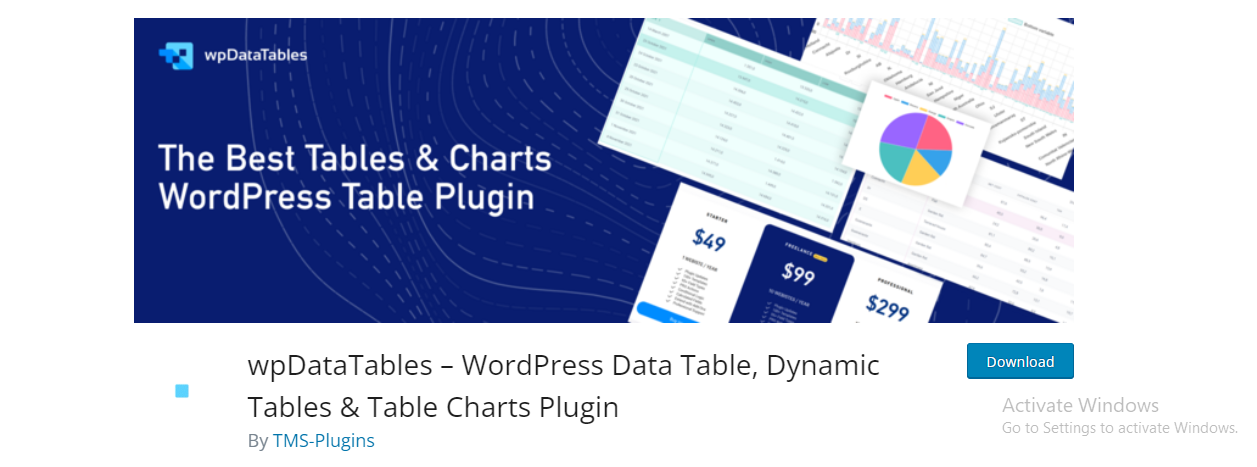
Built for larger datasets, Excel-like editing, server-side processing, and chart integration for turning table data into visualizations. This is the plugin to reach for once TablePress starts to feel underpowered, thousands of rows, connections to live data sources, or the need to render a chart directly from the same dataset driving your table. Free limited version on WordPress.org; paid tiers (Starter through Developer) scale by domain count with lifetime options available.
4. Ninja Tables
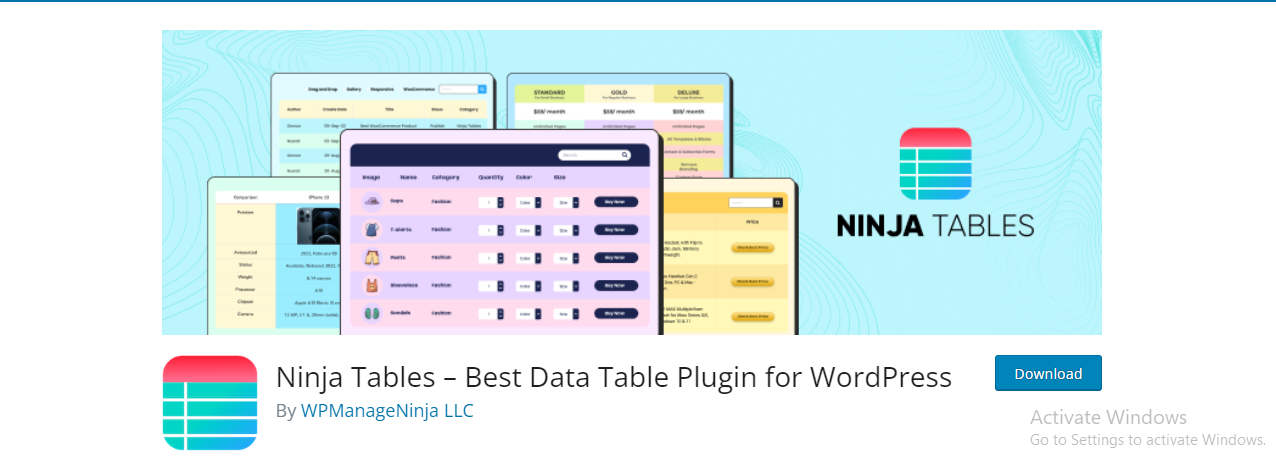
Ninja Tables pairs a drag-and-drop builder with frontend editing and conditional formatting. The frontend editing piece is worth calling out specifically: logged-in users with the right permissions can update table data without touching wp-admin, which matters if you’re handing table maintenance off to a non-technical team member. Active, v5.2.12, updated within days of this writing.
5. WP Table Builder

WP Table Builder‘s visual editor supports cell merging, column resizing, and embedding images, buttons, or icons directly into cells. That last part matters more than it sounds. A pricing table with an actual “Buy Now” button inside a cell, rather than a plain text link, converts noticeably better in my experience. Free, active, v2.1.18.
6. Data Tables Generator by Supsystic
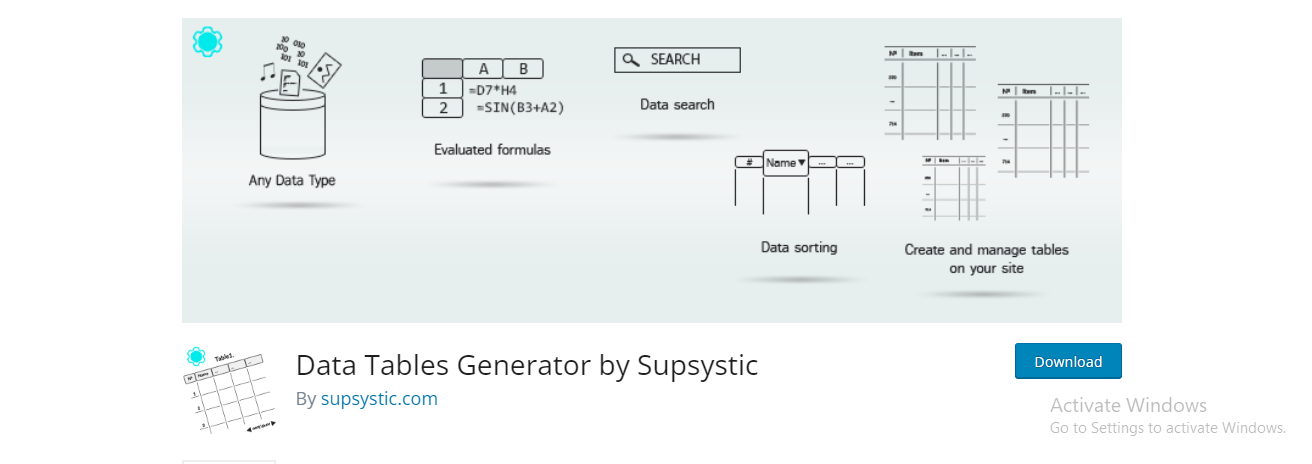
Imports from CSV, Excel, and Google Sheets, with chart support and multi-language handling. The Google Sheets connection is the standout feature here. Update the source spreadsheet and the table on your site updates with it, no manual re-import required, which works well for anything that changes on a schedule, inventory counts, event schedules, staff rosters. Free core with premium extensions. Active, v1.12.05, updated within the last day.
7. League Table

A niche pick for sports standings and rankings specifically, automated points calculation and fixture management. If you’re running a fantasy league site or a local sports club’s WordPress page, this handles the win-loss-draw math automatically rather than making you update a generic table by hand every week. Active, v1.22, updated in mid-2025.
8. Easy Table of Contents
Worth a caveat: this is a navigation aid, not a data table, it auto-generates a linked outline from your post’s headings. Free, active, v2.0.85, updated within the last two months. Include it for long-form content navigation, not for displaying tabular data. It’s on this list because people search for “table plugin” when they actually mean “table of contents,” and this is the correct answer for that search.
9. RioVizual
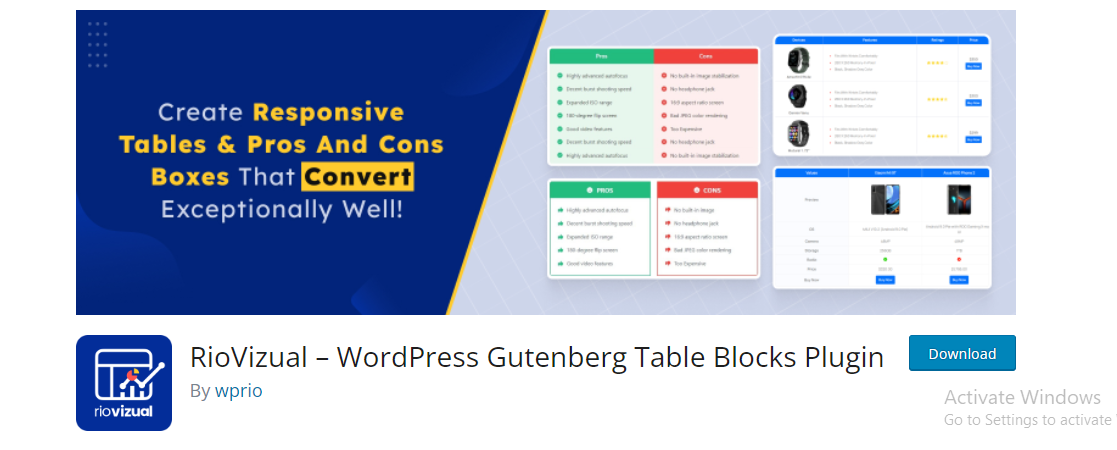
Built specifically for comparison and pricing tables with pros and cons blocks, drag-and-drop chart creation. If your table’s job is to sell rather than inform, listing plans side by side with a highlighted “recommended” column, this fits the job better than a general-purpose table plugin retrofitted for the task. Active, v3.0.2, updated within the last month.
10. Magic Liquidizer Responsive Table

Converts static HTML tables into mobile-responsive ones with a single click. **Genuine staleness flag**: last updated November 2019, nearly seven years ago as of this writing. Not formally closed on WordPress.org, but this is old enough that it should not be a first choice, test thoroughly on staging or pick a more recently maintained alternative from this list instead. An unmaintained plugin isn’t automatically broken, but it also isn’t getting security patches, and that risk compounds every year it sits untouched.
11. ARPrice

ARPrice is specifically a pricing-table builder, 300 templates, monthly and yearly toggle, payment gateway integration. If pricing tables are the only kind of table you need, this skips the general-purpose overhead of the plugins above it and goes straight to templates built for exactly that job. Active, v4.0, free version available, premium at $27 one-time.
Comparison
| Plugin | Best For | Ease of Use | Pricing |
|---|---|---|---|
| Posts Table Pro | Turning existing content into searchable tables | Moderate | Premium (check vendor site) |
| TablePress | General-purpose tables, no coding | Very easy | Free |
| WP Data Tables | Large datasets, charts | Moderate | Free tier + paid from domain-based tiers |
| Ninja Tables | Drag-and-drop building, frontend editing | Easy | Free + premium |
| WP Table Builder | Visual editing with rich cell content | Very easy | Free |
| Data Tables Generator by Supsystic | Importing from CSV/Excel/Sheets | Moderate | Free + premium extensions |
| League Table | Sports standings and rankings | Easy | Free + premium |
| Easy Table of Contents | Post navigation, not data tables | Very easy | Free |
| RioVizual | Comparison and pricing tables | Moderate | Free + premium |
| Magic Liquidizer Responsive Table | One-click responsive conversion (dated, test first) | Very easy | Free |
| ARPrice | Pricing tables specifically | Moderate | Free + $27 premium |
How Table Plugins Affect Site Performance
Every table plugin adds JavaScript and CSS to your page load, and the heavier ones, particularly those with sorting, filtering, and charting bundled together, can add meaningful weight. On a page that already loads slowly, stacking a heavy table plugin on top makes Core Web Vitals worse, and Google does factor that into rankings. TablePress and WP Table Builder tend to be lighter than WP Data Tables or Data Tables Generator, simply because they’re doing less by default.
If performance is a real concern on your site, load the plugin’s assets only on pages that actually contain a table rather than site-wide. Most of these plugins support this natively through their settings, though it’s worth checking rather than assuming. Testing with a tool like PageSpeed Insights before and after adding any table plugin will tell you exactly how much weight it’s adding.
Handling Large Tables on Mobile
A table with six or fewer columns usually survives the shrink to a phone screen without much fuss. Anything wider needs a specific mobile strategy: horizontal scroll with a visible scroll indicator, a card-style stacked layout that reflows each row into its own block, or hiding lower-priority columns below a certain breakpoint. WP Data Tables and Ninja Tables both handle this reasonably well out of the box. TablePress leaves more of this up to your theme’s CSS, which is fine if your theme handles it and a real problem if it doesn’t.
Test on an actual phone, not just a resized browser window. Touch targets, scroll behavior, and font sizing at small viewports behave differently than a desktop browser simulating mobile, and a table that looks fine in Chrome’s device toolbar sometimes falls apart on a real iPhone.
A separate but related issue is font size inside table cells. Designers often shrink table text to fit more columns on screen, and on a phone that shrunk text can drop below what’s comfortably readable. Fourteen pixels is a reasonable floor for body text in a table cell. Go smaller than that and you’re trading readability for column count, which rarely works out in the reader’s favor.
Picking One
For general-purpose tables, TablePress remains the safest default: free, actively maintained, no coding required. Reach for WP Data Tables or Data Tables Generator when you’re working with large datasets or need charts. Choose RioVizual or ARPrice for comparison and pricing tables specifically. And skip Magic Liquidizer given how long it’s gone without an update, not because it’s guaranteed to break, but because there’s no reason to take on that risk when actively maintained alternatives exist.
Whichever you pick, install it on staging first. Table plugins interact with theme CSS more than most plugin categories, and a table that renders perfectly on the plugin’s demo page can still clash with your specific theme’s typography or spacing until you’ve tested it directly.
One last consideration worth weighing before you settle on a choice: how long you expect to keep the table around. A one-off pricing table for a product launching next month doesn’t need the overhead of a full spreadsheet-management plugin, a lightweight builder like WP Table Builder or ARPrice gets it done without extra baggage. A living dataset that will grow for years, product catalogs, member directories, resource libraries, is worth the setup time WP Data Tables or Data Tables Generator asks for up front, because that investment pays off every time the dataset changes and you don’t have to touch a line of HTML.