
WP Login - Logo
Free themePut your own logo on the WordPress login screen (wp-login.php) without touching a single line of code.
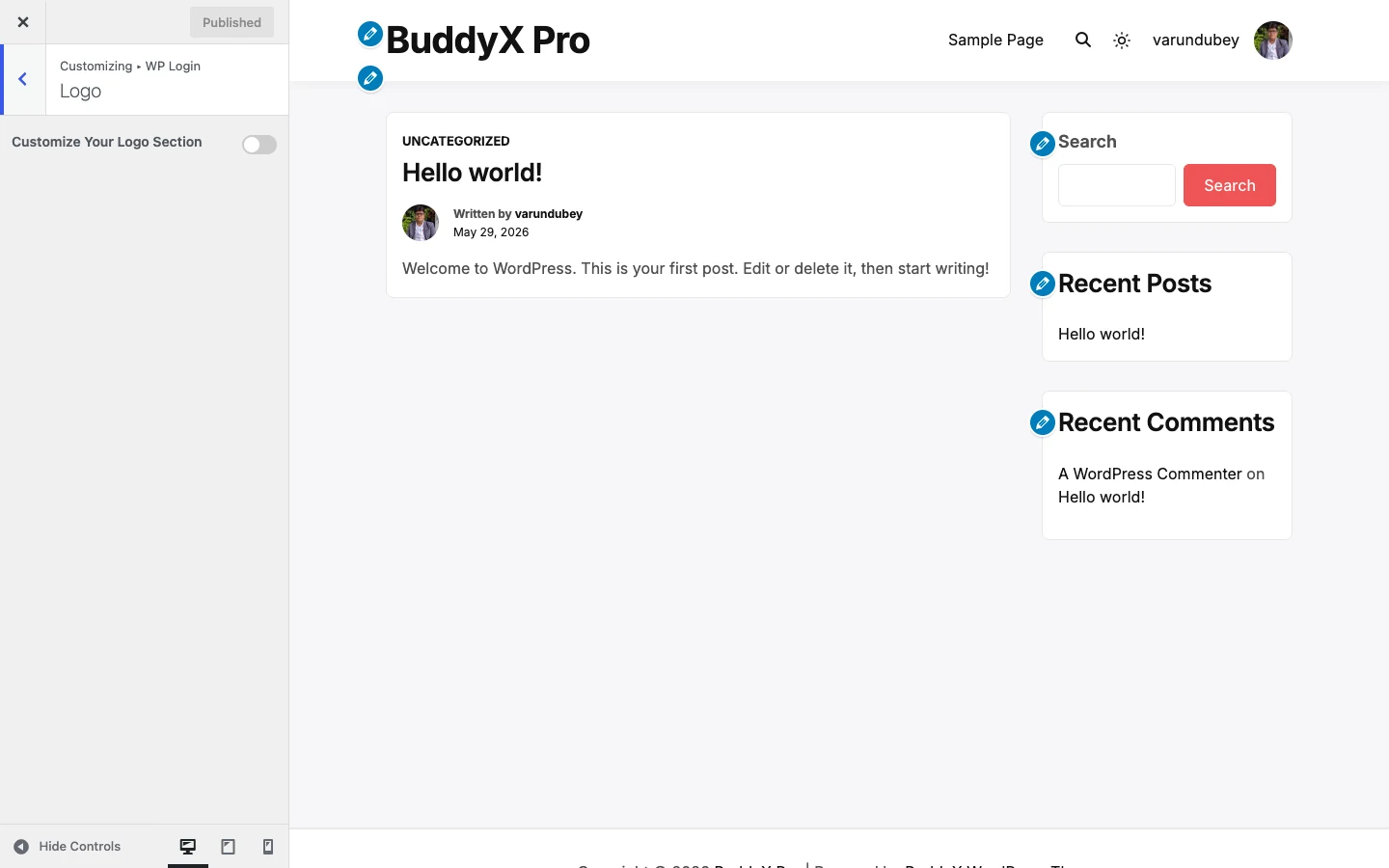
By default, every WordPress site shows the WordPress "W" logo above the login form. BuddyX free lets you swap that for your own logo and control its size and spacing, so the page members and admins log in through actually looks like your site.
Where to find it
Appearance -> Customize -> WP Login -> Logo
Nothing here changes until you turn the section on. Flip Customize Your Logo Section to Yes and the rest of the controls appear.
First-time tip: If you are happy with the default WordPress logo, you can skip this whole section. It is optional, and leaving it off is perfectly fine.
Settings
| Setting | Default | What it does |
|---|---|---|
| Customize Your Logo Section | Off (No) | Master switch for this section. Turn it On to reveal the logo controls below. While Off, the login page keeps the default WordPress logo. |
| Disable Logo? | Off (No) | Turn On to hide the logo area entirely, showing just the login form with no image. When On, the image and size controls are hidden. |
| Custom Logo | Empty | The image shown above the login form. Upload or pick from your media library. |
| Logo Width | 84px | Width of the logo image, in pixels. |
| Logo Height | 84px | Height of the logo image, in pixels. |
| Logo Space Bottom | 0px | Gap in pixels between the logo and the login form below it. Increase it to give the logo room to breathe. |
| Logo URL | Empty | Where clicking the logo takes the visitor. Leave empty to use your site home. |
| Logo Title | Empty | Tooltip text shown when hovering the logo. |
| Login Page Title | Empty | Text shown as the login page title. Leave empty to use the WordPress default. |
Set a square logo? Keep Width and Height equal (the 84px x 84px default is square). For a wide, horizontal logo, raise the Width and lower the Height to match your image's shape so it does not stretch.
Quick answer: "Which ones do I actually need?" For most sites, just Custom Logo plus a matching Logo Width and Logo Height. The rest are optional polish.
BuddyX free vs BuddyX Pro
BuddyX free covers the login logo: your own image, its width, height, bottom spacing, click URL, hover title, and page title - plus a switch to hide the logo entirely. That is everything in this section.
BuddyX free does NOT restyle the login form itself. The input fields, the "Log In" button, the background, the "forgot password" screen, and ready-made login skins all keep their standard WordPress look.
Want to theme the whole login page - form styling, buttons, backgrounds, and login skins to match your brand? That is BuddyX Pro.
Related
- Docs home
- First-time setup - set your site logo, title, and tagline for the front end
- Header - navigation, logo placement, and header layout
- BuddyX Pro - full WP login theming and more
Next: First-time setup